The Design Process of Garden 🌱: Machine Learning Model Publishing Platform
The main design challenge for Garden was transforming a technical CLI into an intuitive workflow. I had to figure out how to make machine learning model publishing accessible for a diverse audience of users: educators, collaborators, and researchers with varying technical expertise.
My design process focused on understanding user mental models and simplifying previously complex workflows. From there, I worked on prototyping an interface that feels approachable rather than intimidating.
The goal was to formulate an experience where working with these models feels as straightforward as sharing a document, but with the power and flexibility that serious research demands.
-
I first conducted in depth interviews with several users (scientists, developers, and educators) to understand their unique needs.
This data allowed me to come to the conclusion that users struggled with the conceptual leap from "individual models" to "complete ecosystems”. It also confirmed my thoughts that the CLI intimidated non-technical users.
-
Created user flows and wireframes in Figma for user profile, associated materials page, and metadata editing workflows, iterating based on technical requirements and user needs.
Refined existing visual design through details such as white space optimization, icon usage, and DOI styling improvements.
Worked closely with backend developers to understand technical constraints and possibilities.
Received iterative design feedback through daily mentor check-ins, refining designs based on usability and technical considerations.
Presented prototypes during weekly team meetings to gather feedback and validate design decisions.
-
Created an intuitive interface for previously command-line-only workflow.
Designed clear visual hierarchy that helps users understand complex ML ecosystem components.
Established consistent visual language and reusable components for future expansion of Garden platform.
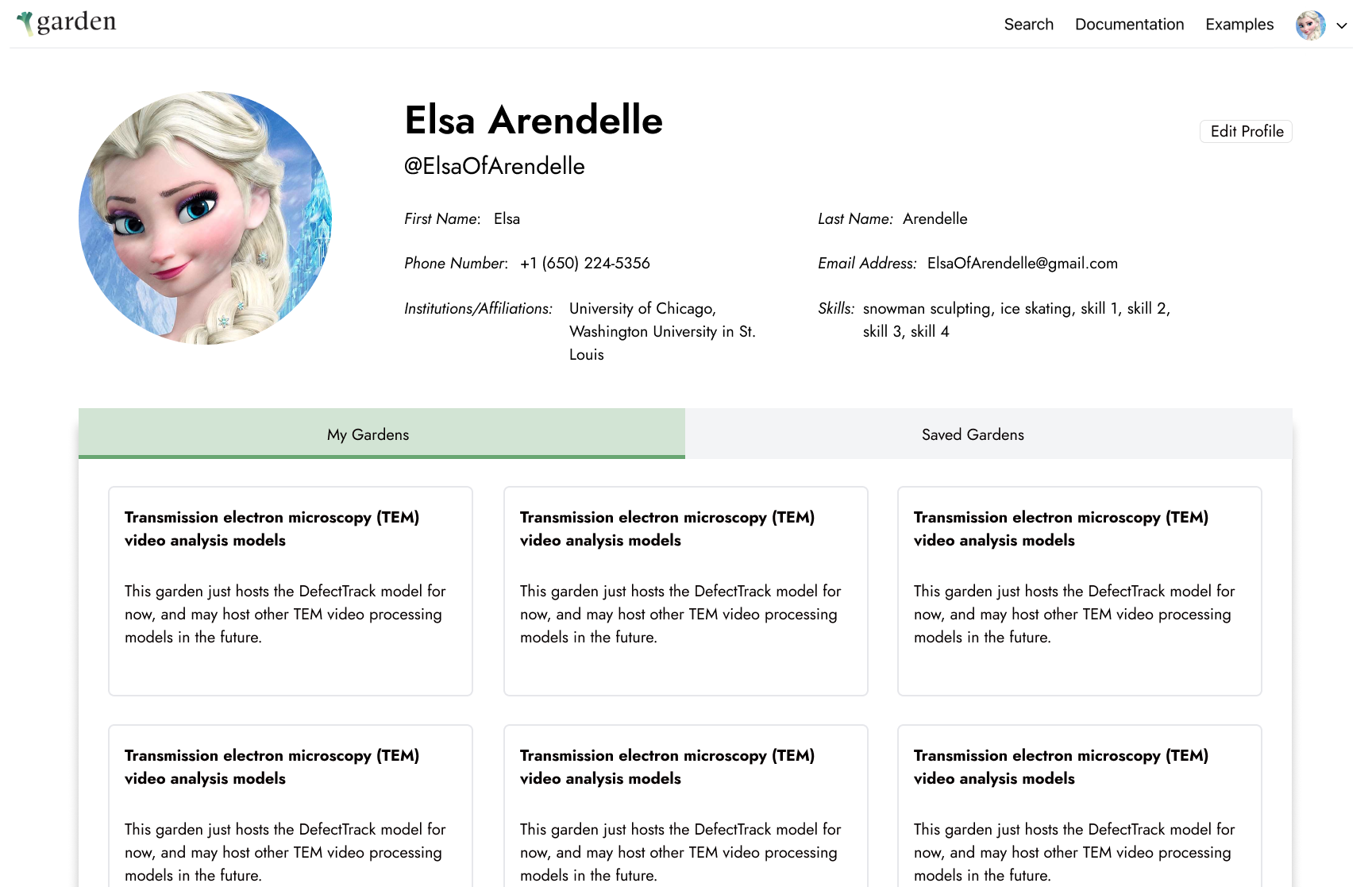
Below is the login flow I prototyped in Figma, along with my iterations of the user profile page.

The Development of Garden 🌱: Machine Learning Model Publishing Platform
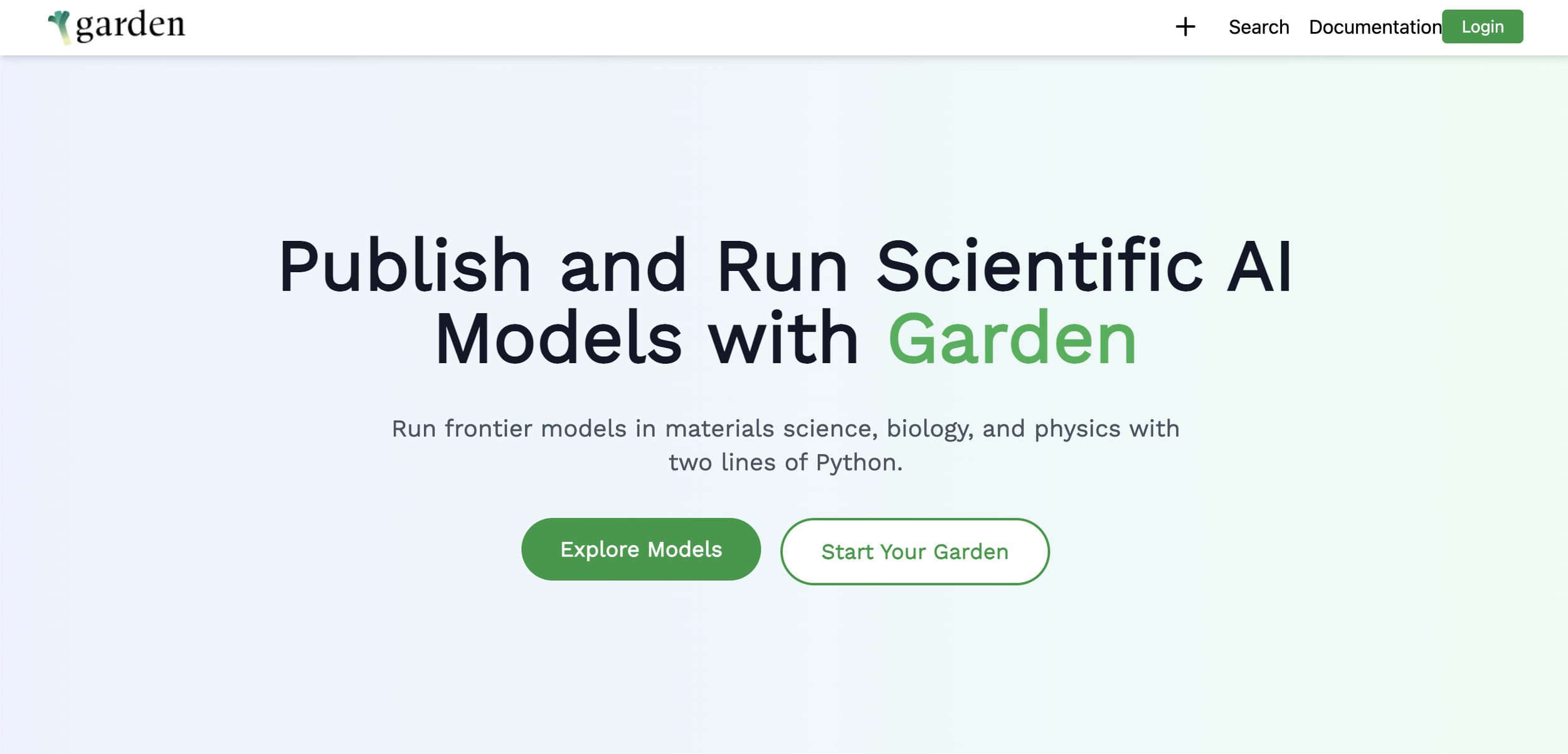
Garden is a collaborative platform that simplifies the process of publishing and sharing machine learning models. It transforms how researchers publish, discover, and build upon machine learning research by making ML models more accessible and reproducible.
The process was previously command-line-only. Working on the web interface, my primary considerations were how I could make it easier for researchers to publish, manage, and discover machine learning models without technical barriers.
Unlike traditional model repositories that only share individual model files, Garden provides complete ‘ecosystems’ which include data, code, functions, testing, and community collaboration tools, making it significantly easier and faster to build on existing ML research.

-
Most ML research is impossible to reproduce due to missing code, data, or environment details. Code and data is also often unavailable or require expensive compute resources, making these models inaccessible to many.
There is also a lack of community: it isn’t easy finding and conecting with others working on similar problems.My Role: Led frontend development and UX design (details here) to create Garden's web interface, transforming complex ML ecosystem management into an intuitive user experience.
-
Researched FAIR principles (Findable, Accessible, Interoperable, Reusable) and how they apply to ML model publishing.
Collaborated with rest of the Garden team consisting of fellow developers, designers, researchers, and scientists.
-
Designed and implemented feature for editing model metadata.
Designed and built user profile pages enabling researchers to manage their published Gardens and models, as well as basic profile features such as name, email, phone number
Implemented secure login flow using Globus API with Axios interceptors for seamless token management.
Developed reusable component architecture through React, TypeScript, and TailwindCSS.
-
I managed to successfully replace the complex CLI workflow with an intuitive and visually pleasing interface! The final product was a scalable React application with efficient state management, a secure authentication system, robust error handling, and user feedback.